
Notes /Axle /Using ROS2
Using ROS2
Contents
ROS2 is a tool that packs libraries, framework, and utilities that allows me to control the robot and debug real time. It is the industry standard for developing a robot at large scale.
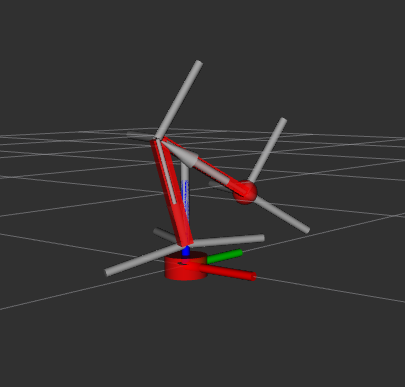
I designed a 4 axis locomotive in URDF. It kinda looks ugly but thats not the point. With this, I can manipulate the arm visually with the drag of a slider.
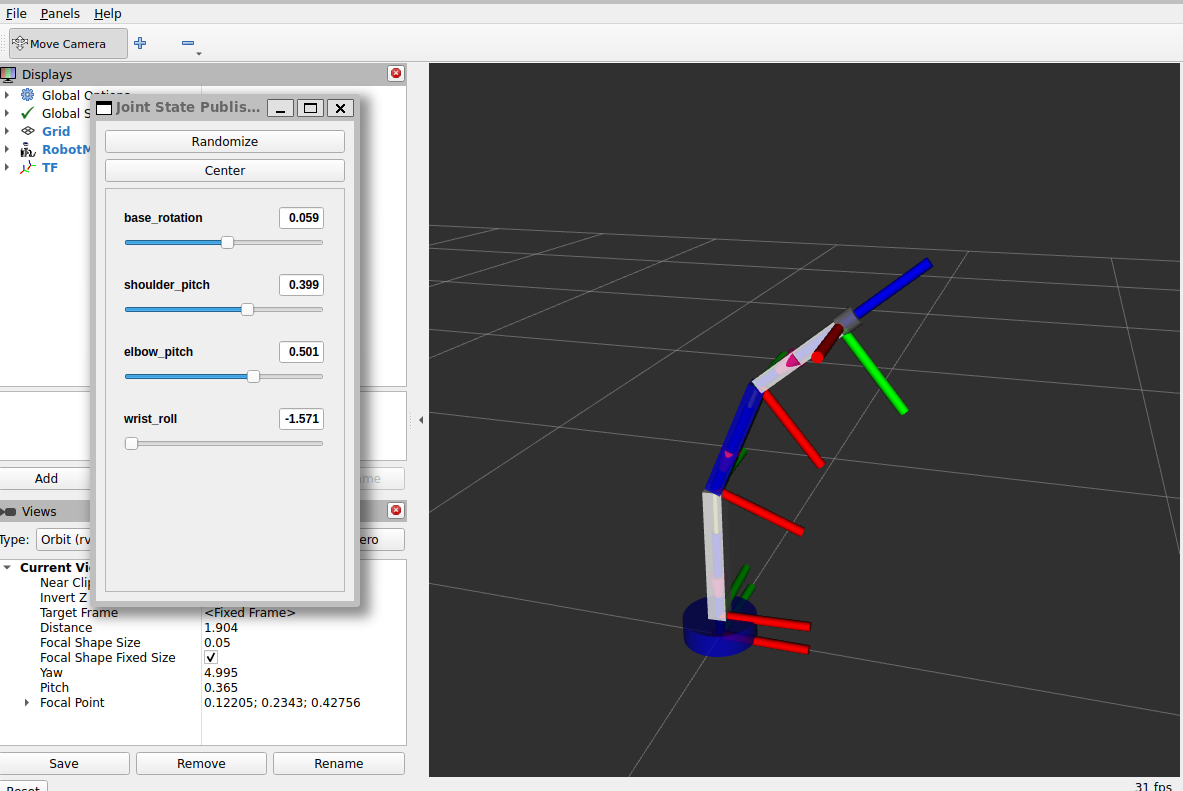 Above is what it looks like.
§Arm Controller
The purpose of this node is to visually demonstrate movement to any of the joints through RVIZ using joint state publisher. This will open a socket on IP_ADDR at port 5000 and create a subscription on /joint_states message such that it listens to any changes to joint_map parameter "base_rotation", "shoulder_pitch", "elbow_pitch", "wrist_roll", "wrist_pitch", and "gripper".
It will emit the changes of the joints_state field through the socket.
§Arm Inverse Kinematic Controller
This node is designed to take subscription from topic with 3d coordinates transcribing it to rotations for each of the angles.
Helpful website for calculating forward/inverse kinematic with visualization: https://www.compu-tools.com/robot-kinematics/
Given coordinates x, y ,z
base = arctan2(y / z)

r = sqrt(x^2 + y^2) // distance from base axis to target
d = sqrt(r^2 + z^2) // distance from shoulder to target

elbow = (r^2 + z^2 - ARM0^2 - ARM1^2) / (2.0f * ARM0 * ARM1)
shoulder = arctan2(z / r) - arctan2((ARM1 * sin(elbow)) / (ARM0 + ARM1 * cos(elbow)))
Wrist pitch is special. It requires knowing the world pitch. World pitch is the orientation of the gripper in world space. Wrist pitch is the angle of the wrist servo itself. Imagine shoulder, elbow, and wrist rotations are all 0 degrees, then world pitch is also 0 degrees. But if shoulder is 45 degrees while the other joints remain 0 degrees, then world pitch is 45 degrees.
We want to control the robotic arm with z, y, z, and wrist_pitch. This allows me to set a coordinate and move the hand around in a circle around that target which looks cool. This means we need to calculate the wrist position thats offset by the length and orientation of the hand.
wrist_r = target_r - HAND_LENGTH * cos(wrist_pitch);
wrist_z = target_z - HAND_LENGTH * sin(wrist_pitch);
We are using r instead of x here because we are looking at the 2d plane relative to the base. So even though we are looking at a 3d space, we only need to care about the 2d space.
This is where we bring in wrist_roll so we can do a circle around the target. Input requires, x, y, z, wrist_pitch, and wrist_roll.
base = atan2(y, x);

xw = x - HAND_LENGTH * cos(base) * cos(wrist_pitch);
yw = y - HAND_LENGTH * sin(base) * cos(wrist_pitch);
zw = z - HAND_LENGTH * sin(wrist_pitch);
Then solve for base, shoulder, and elbow
§Verification
We also have verify whether given coordinate is reachable given the length of our arm and potential orientation
if (d > (ARM0 + ARM1) || d < fabs(ARM0 - ARM1))
{
	result.reachable = false;
	return result;
}§Motion via RVIZ joint state publisher
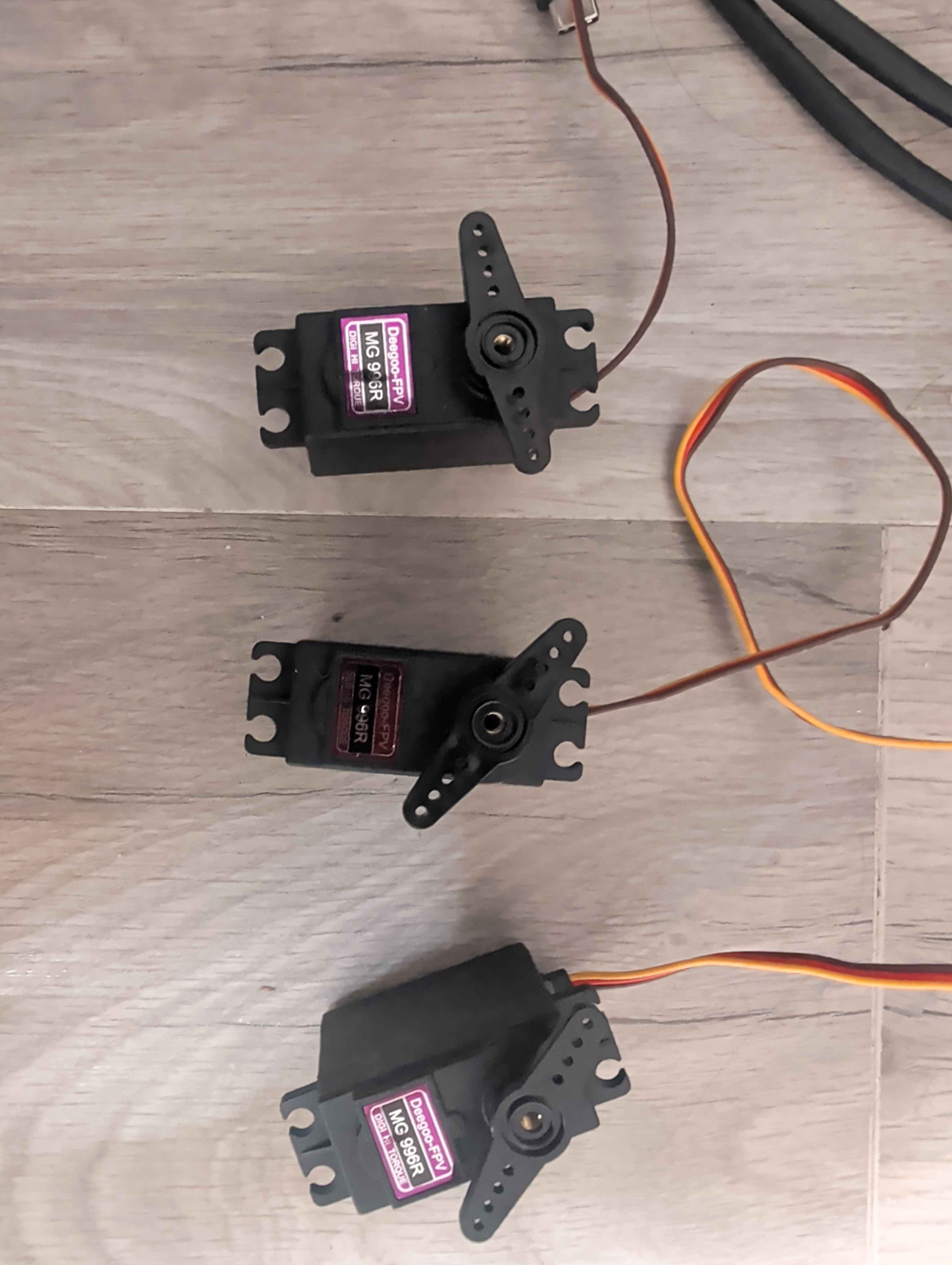
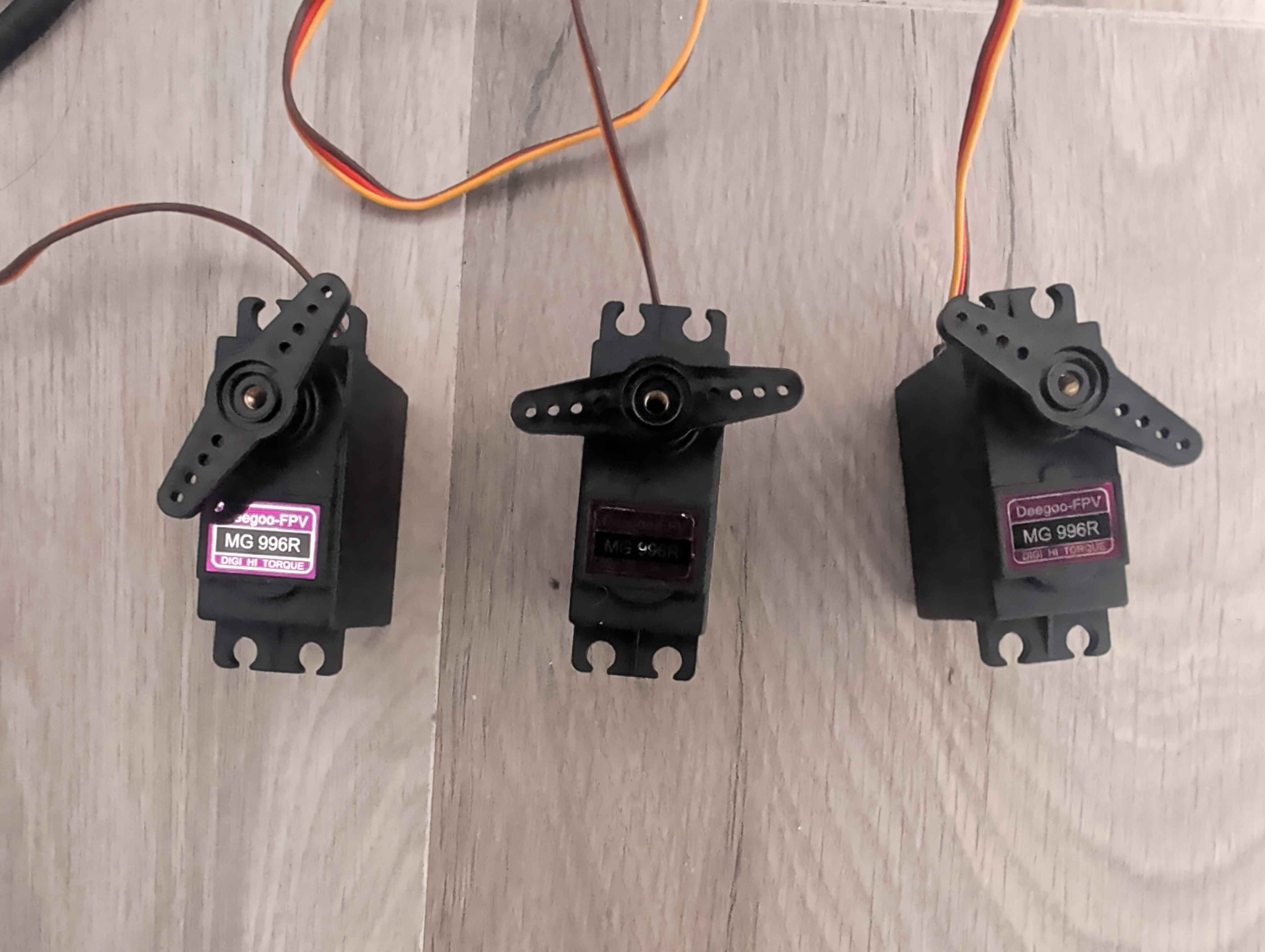
Default position (RVIZ):
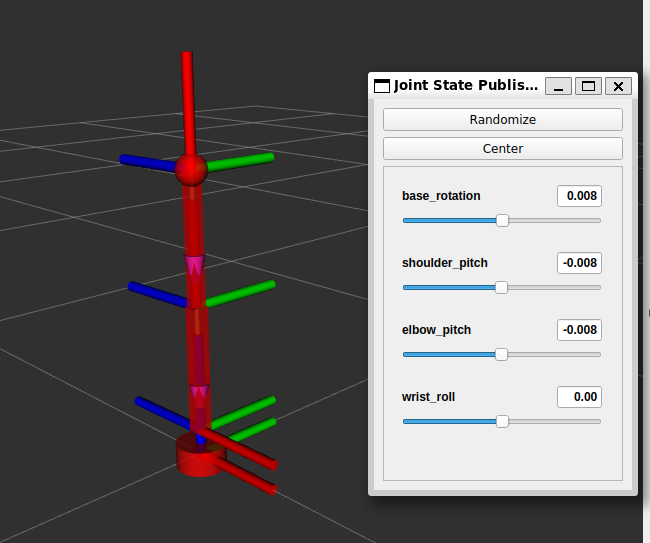
Default position (Servos):
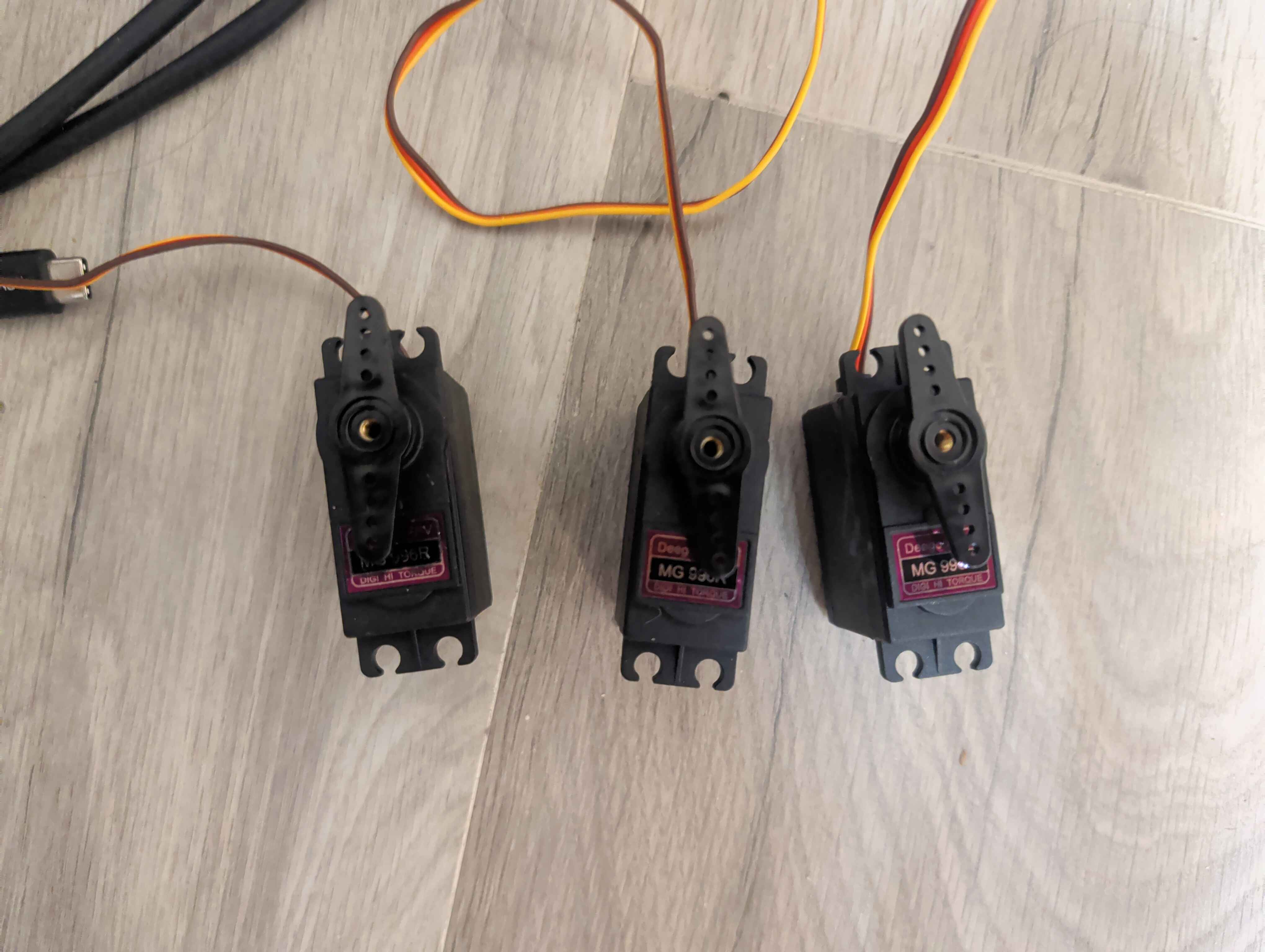
New Position (RVIZ):
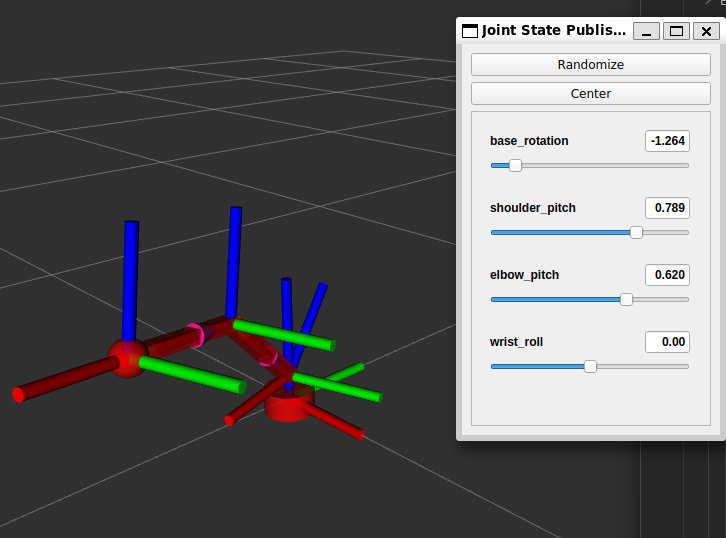
New Position (Servos):
§Motion via inverse kinematic
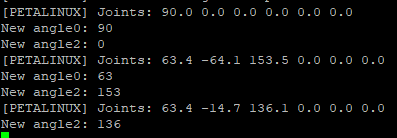
Starting kinematic subscription node:

Publishing to node:

RVIZ updating:
 Logs:
Logs:
Linked from
- 6 Axis Arm Axle